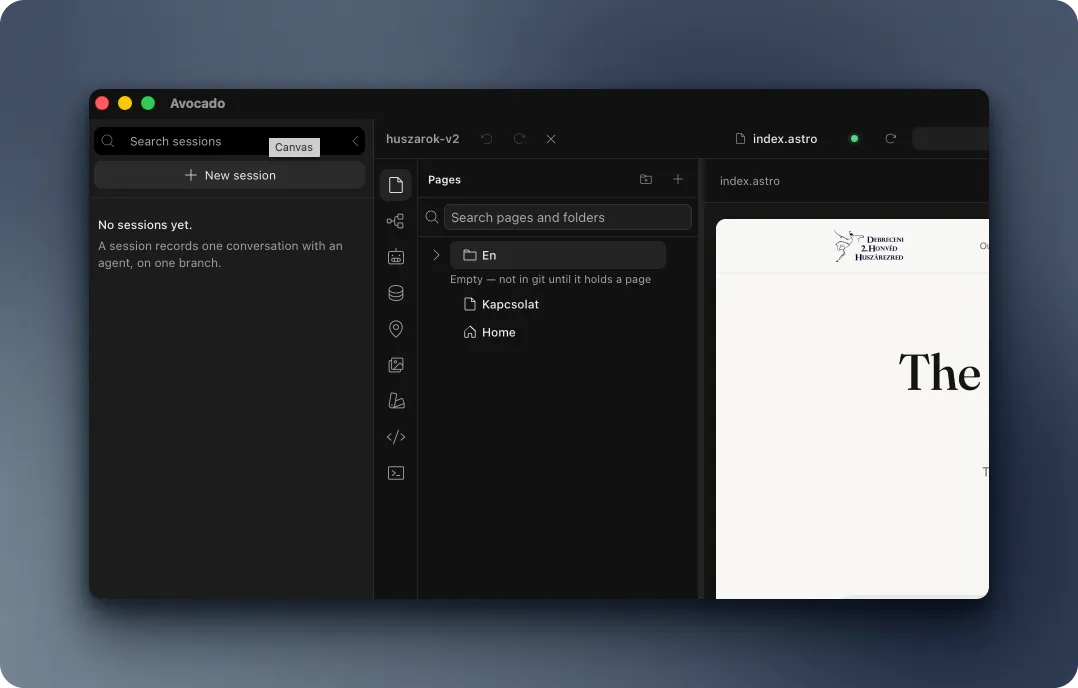
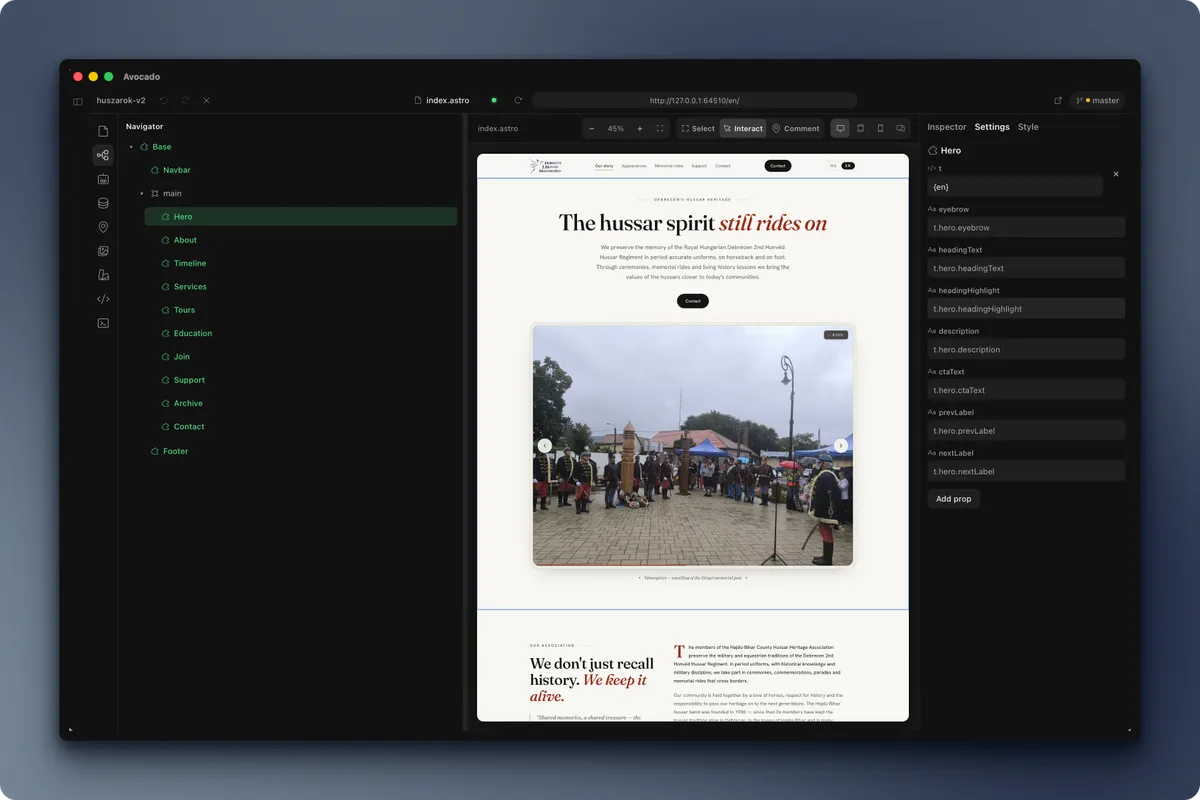
Edit the site you actually ship
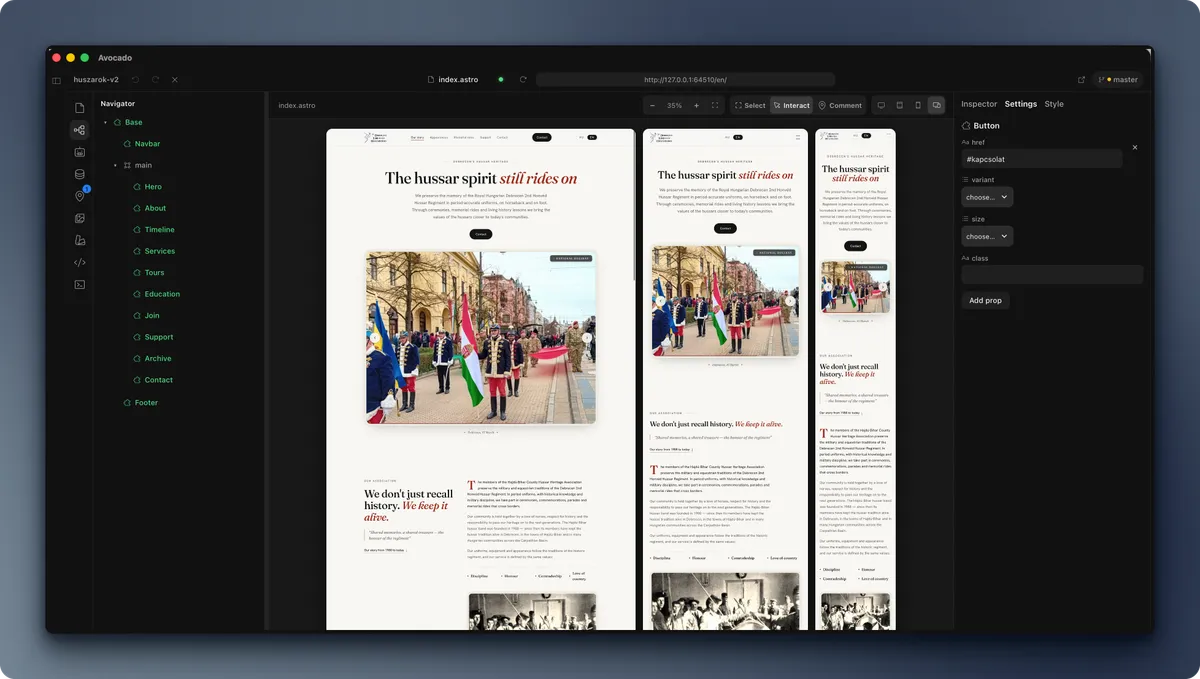
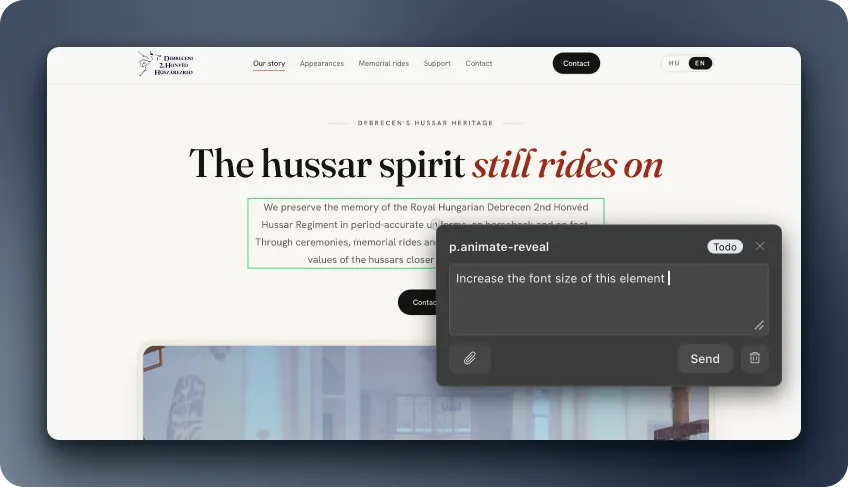
Click an element on your live Astro page and find the source behind it. Make a focused edit without losing your place between browser and editor.

Pre-alpha · The agent-first Astro builder
Avocado brings your live Astro site, coding agents, and content collections into one local desktop workspace. Edit the real repository, review each change, and keep building with plain Astro.
Currently runs from source
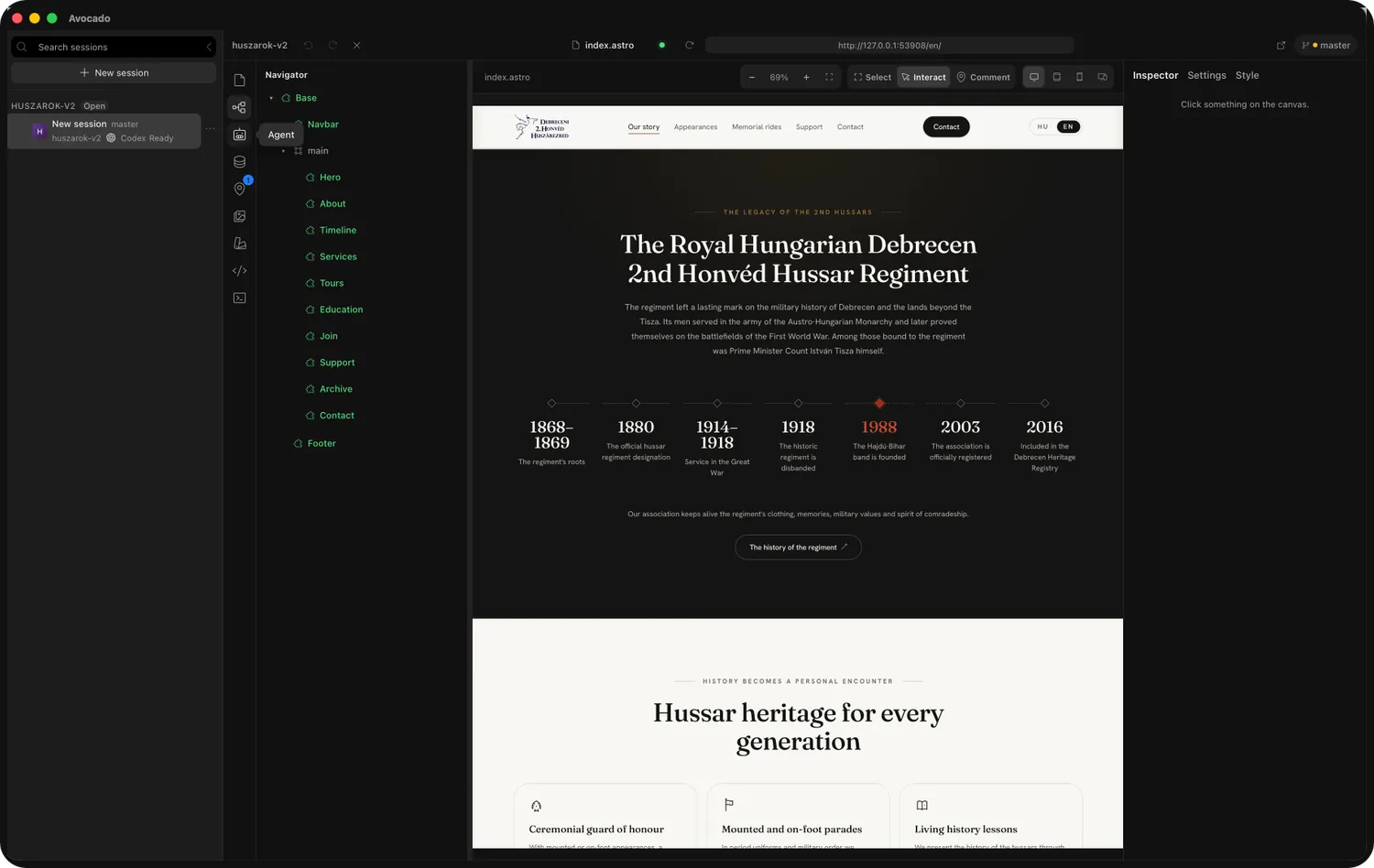
Built around your actual project
Your browser, editor, agent, and content files belong in the same conversation.
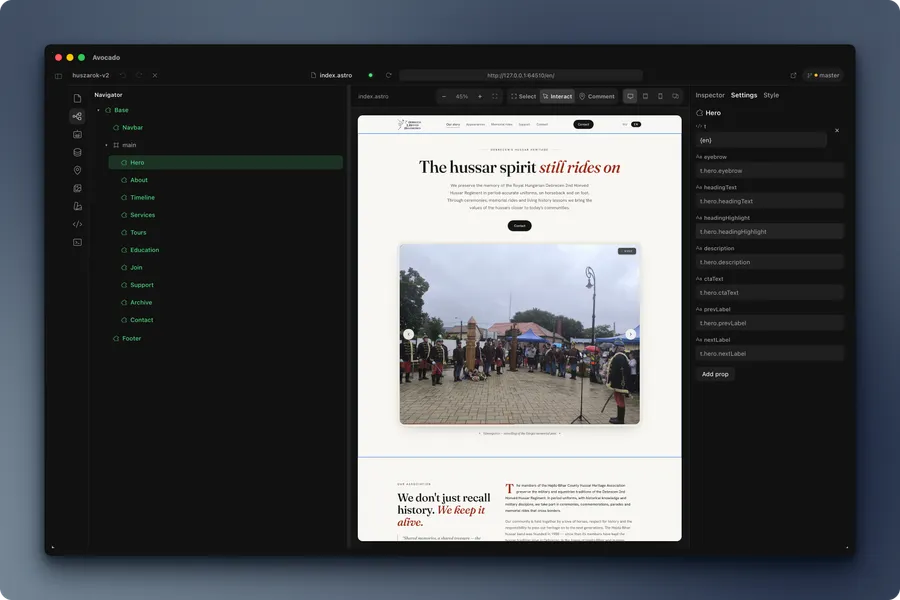
Click an element on your live Astro page and find the source behind it. Make a focused edit without losing your place between browser and editor.
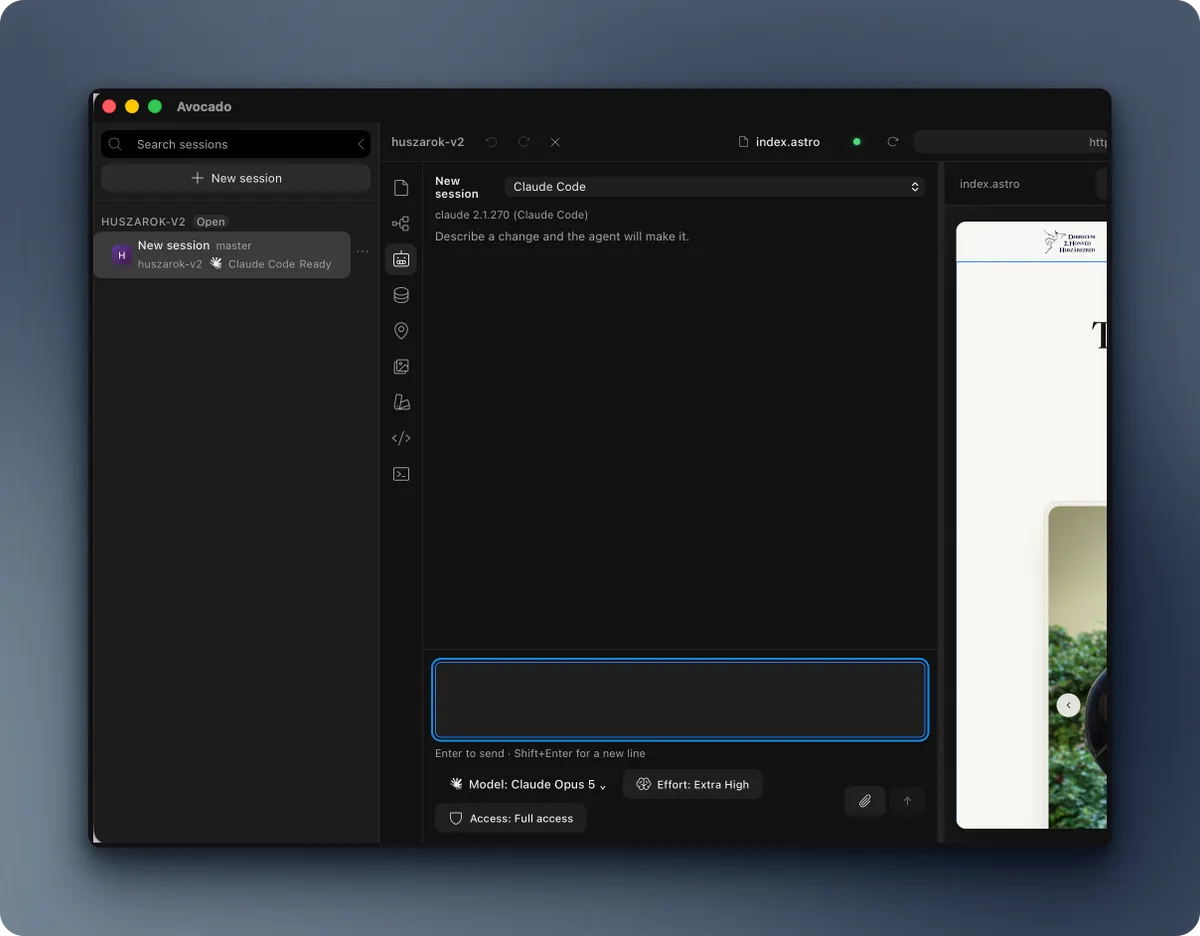
Send a selected element, page, or comment to Claude Code, OpenCode, or Codex. Follow the work and inspect file diffs in the same workspace.
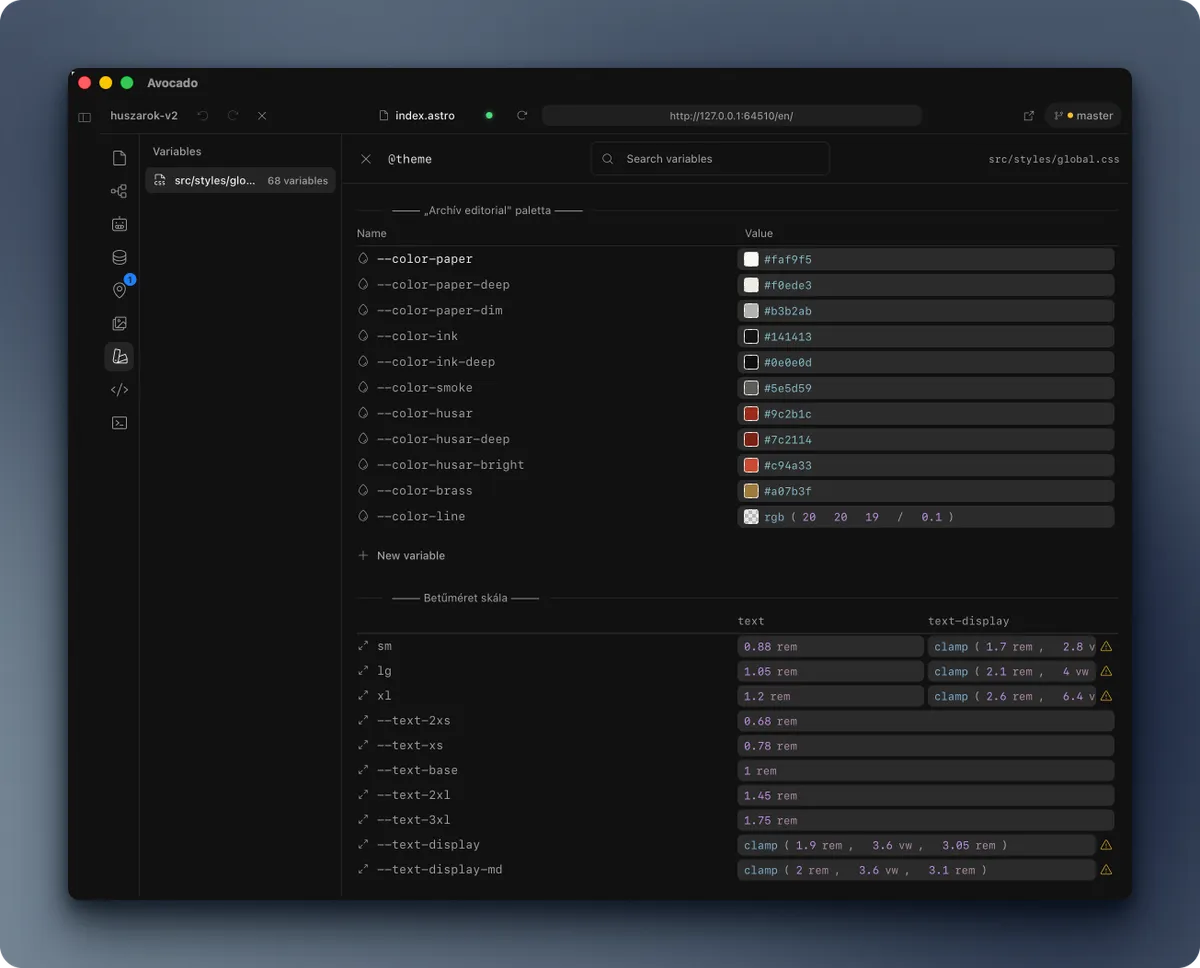
Manage Astro content collections without moving entries into a separate platform. Your site remains an ordinary repository that builds without Avocado.
One workspace, every step
Move from the first edit to the final review without losing sight of your project.
Avocado opens and edits your real repository directly. Pages, components, styles, and content remain standard files that work without Avocado.
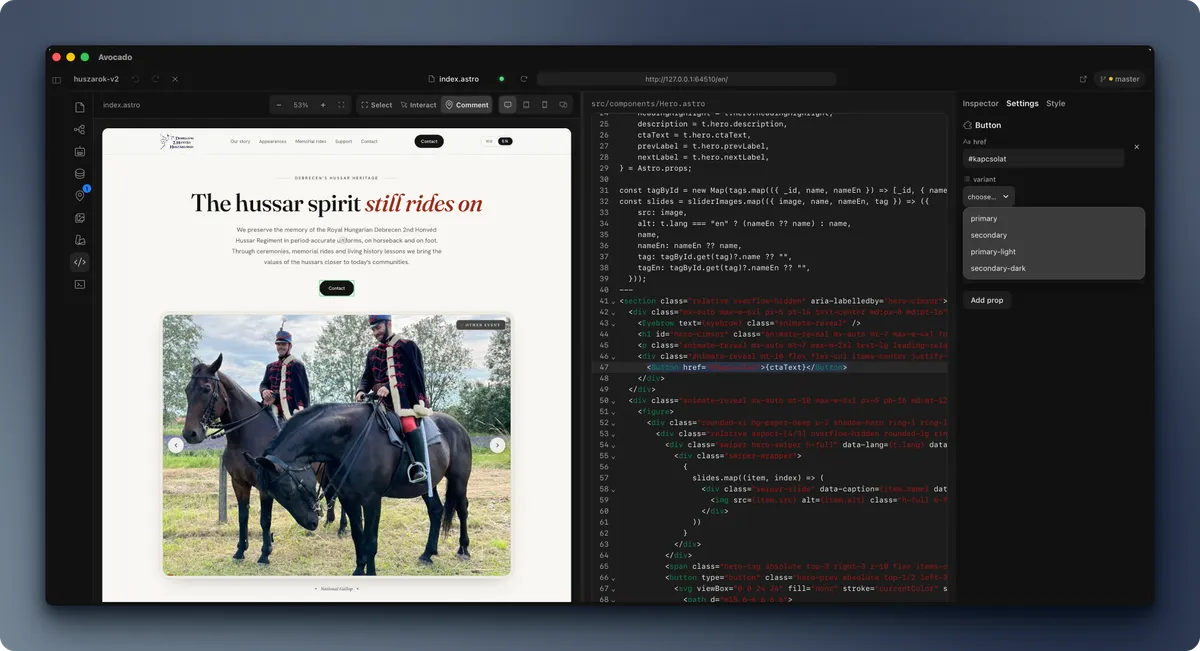
Your project stays the project
Avocado works on your local Astro repository. The files you open, edit, and build remain the source of truth.
Preview your real site. The canvas runs your project’s Astro dev server.
Inspect real changes. Edits land in .astro, CSS, and content files in your working tree.
Keep a portable build. The repository is designed to build with plain astro build, without Avocado.
Good to know
Avocado is in pre-alpha. Here is what the workspace does today and what early access means.
Open an existing Astro repository. Avocado reads its files and reports which project patterns its panels support. It does not currently import or migrate Webflow or Framer projects.
Pricing and access limits have not been announced. Avocado is in pre-alpha and currently runs from source; Get Early Access is a request for future access, not a trial or download.
Avocado runs locally and edits files on disk. If you use a coding agent, its installed CLI may send your prompt and selected project context to that provider under its own settings and terms. Avocado’s external stdio MCP service is read-only.
Avocado is in alpha. After this, it’ll be a one time fee.
The next build starts here
Build on the live page, work with agents, and manage content while your files stay yours. Join the early-access list for Avocado.
Pre-alpha · Currently runs from source